 SMFFL
SMFFL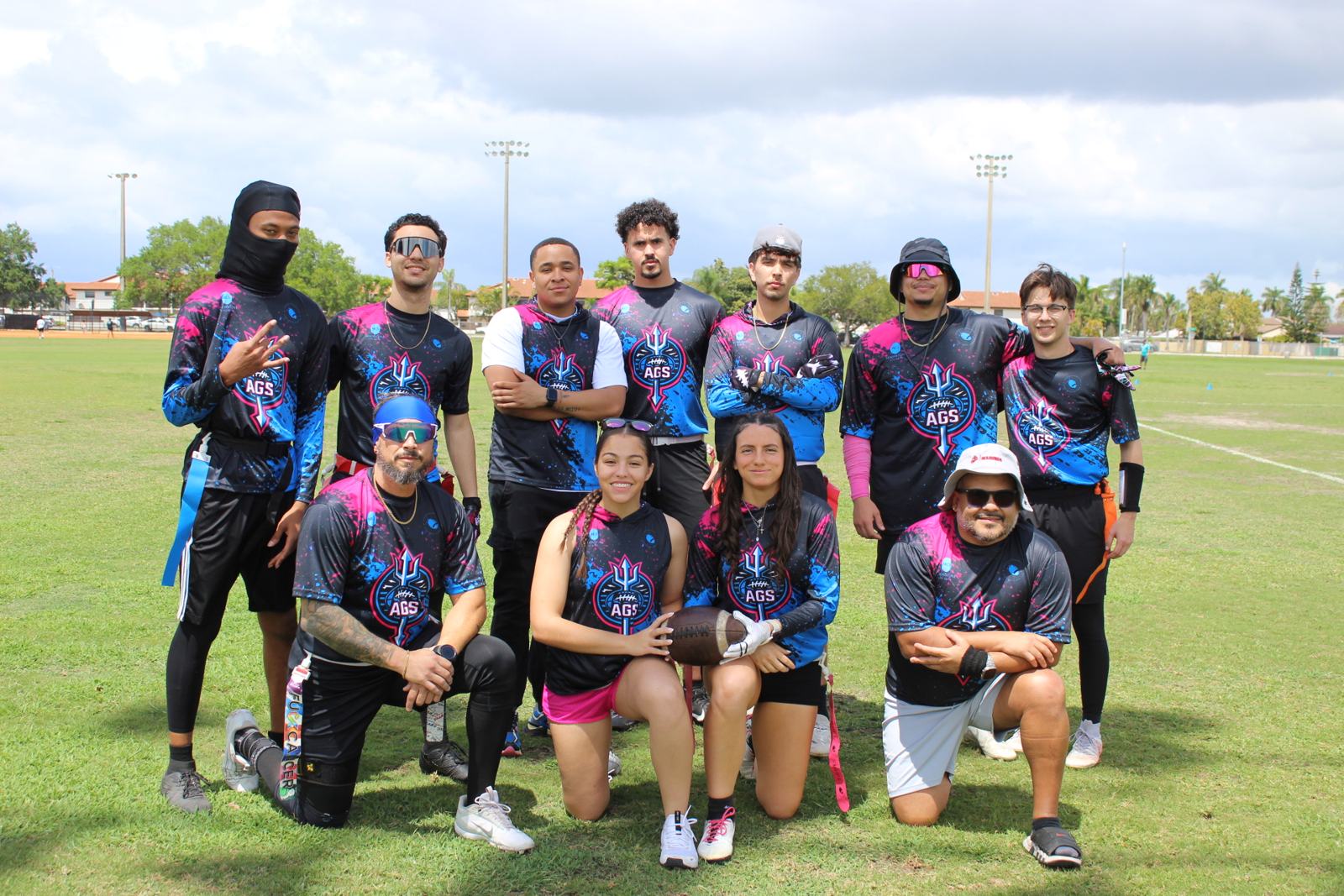


Privacy Policy
1. Who we are
SMFFL Kids is the youth flag football program of the South Miami Flag Football League ("SMFFL," "we," "us," or "our"), based in Miami-Dade County, Florida. This Privacy Policy explains what information we collect when you register a child for SMFFL Kids, how we use it, and the choices you have. It applies to our website, our registration and payment pages, our communications with families, and our in-person program.
For the SMFFL mobile app, the separate SMFFL App Privacy Policy also applies.
2. Children's privacy
SMFFL Kids serves children, but we collect information about children only from their parent or legal guardian. We do not ask children to create accounts, submit information online, or contact us directly. If we learn that a child under 13 has sent us personal information without a parent's involvement, we will delete it.
A parent or guardian can review the information we hold about their child, ask us to correct or delete it, and tell us to stop collecting or using it at any time by contacting us (see Section 12). Deleting required information may mean the child can no longer take part in the program.
3. What we collect
From the parent or guardian at registration:
- Parent or guardian name, phone number and email address
- Child's name, age or date of birth, and shirt size
- Emergency contact name and phone number
- Names of adults authorized to pick up the child
- Medical information you choose to share so coaches can keep your child safe, such as allergies or conditions a coach should know about
- Your signed waiver and photo/video consent choice
During the program: attendance, team or group placement, and photos or video taken at practices and games (see Section 5).
Automatically, when you visit our website: basic technical information such as browser type, device type and pages visited, collected by our website and hosting providers. We do not use this information to build advertising profiles.
4. How we use it
- Register your child and run the program
- Place your child in the right group by age and skill
- Contact you about schedules, cancellations, weather and program updates
- Respond in an emergency and share medical details with coaches or first responders when needed
- Make sure children are released only to authorized adults
- Process membership payments and handle billing questions
- Order shirts and other included items
- Keep the program safe and meet our legal and insurance obligations
We do not sell personal information, and we do not use children's information for advertising.
5. Photos and video
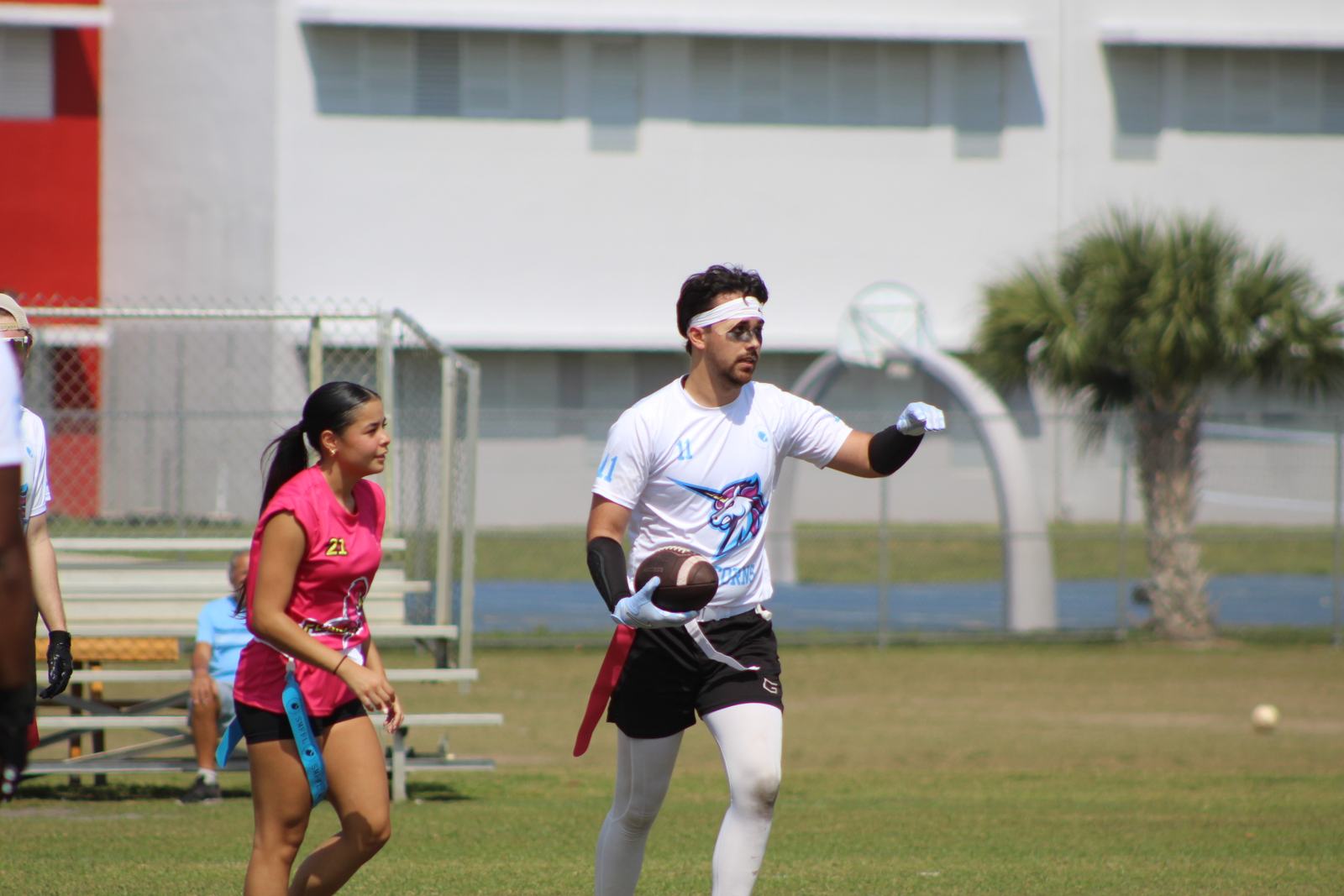
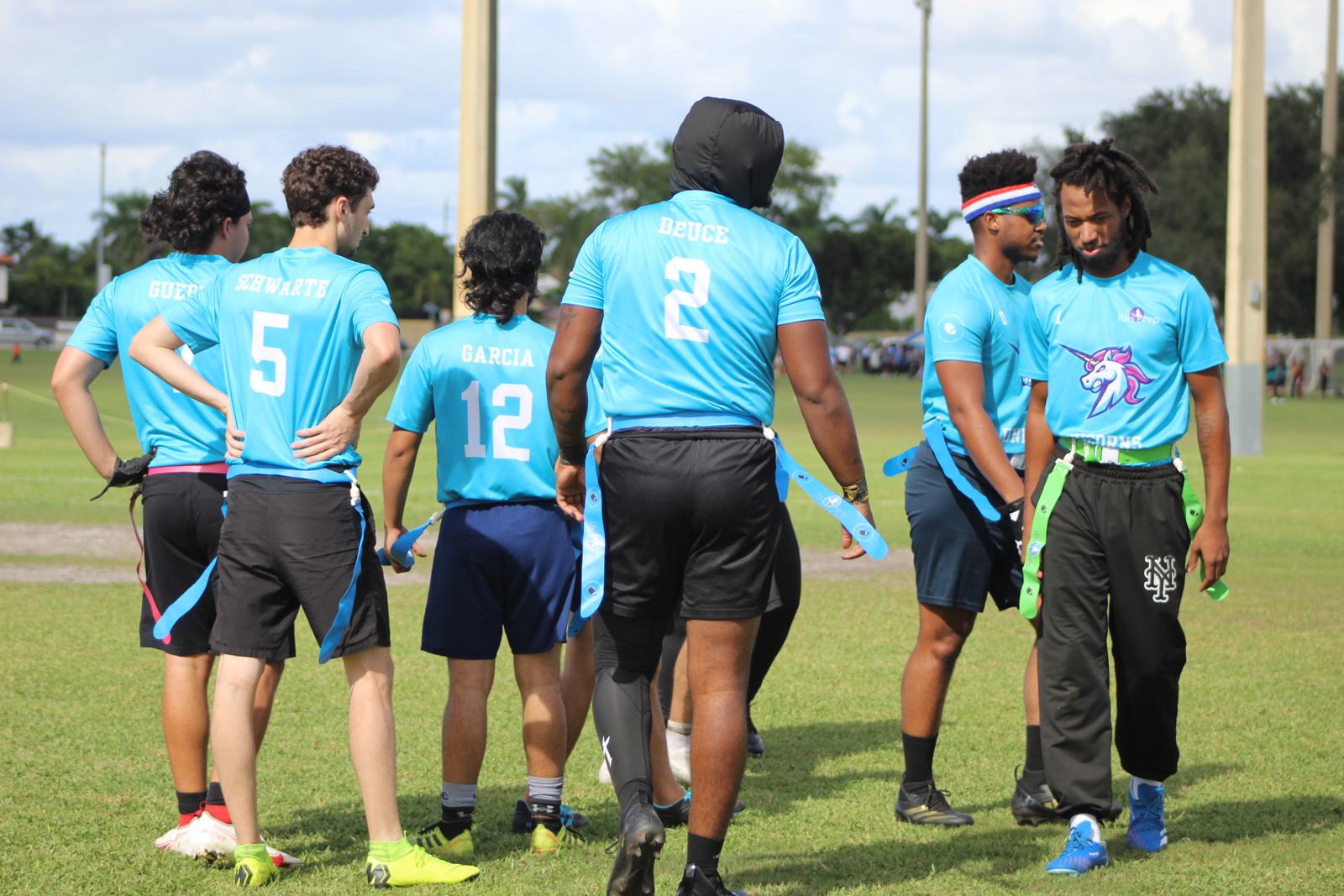
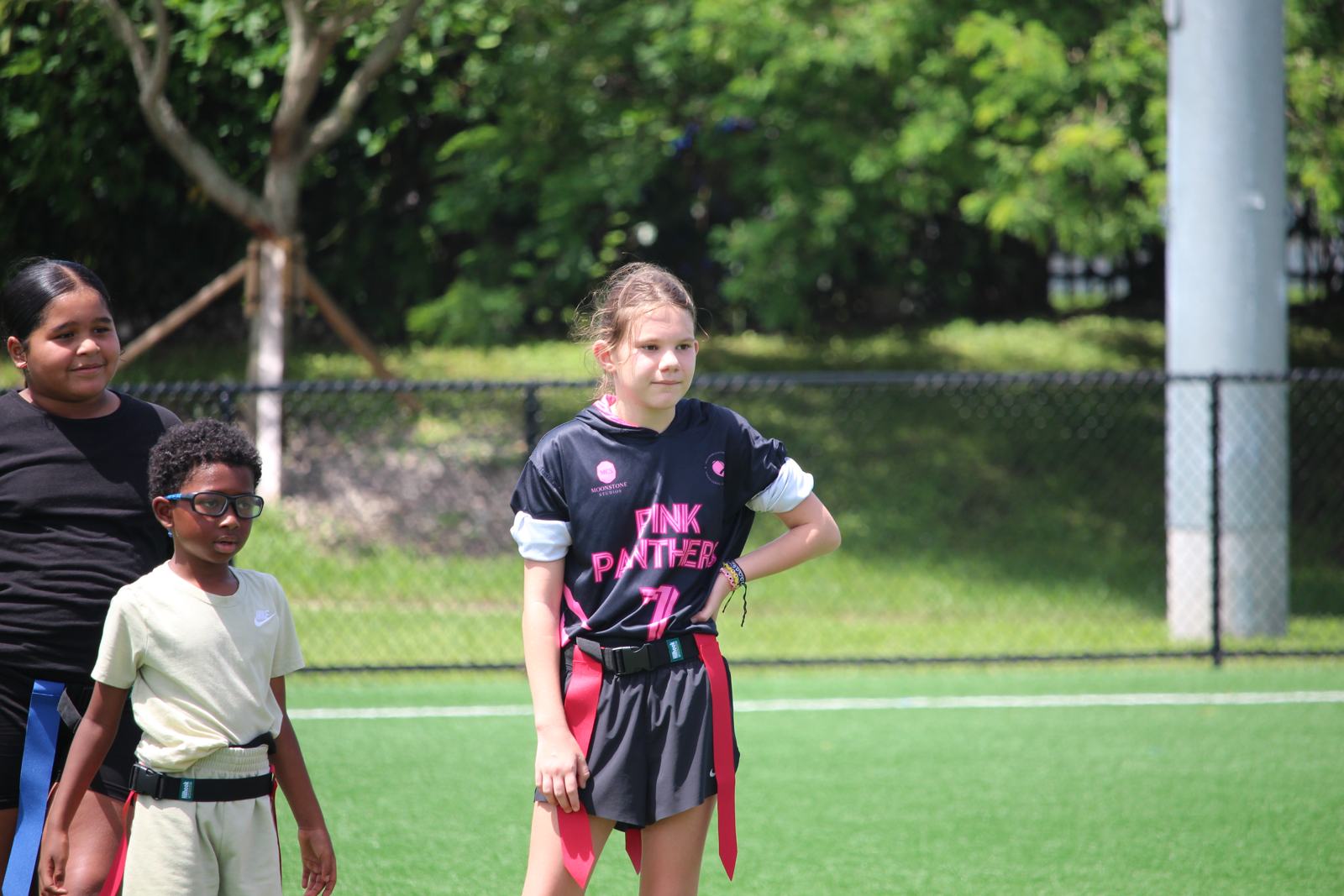
Practices and games may be photographed or filmed, including by our photography partner, Moonstone Creative Studios. We share these photos and videos with families and may post them on our website and social media (such as @smfflkids and @smffl on Instagram, and our YouTube channel) to promote the program.
When we post, we do not include a child's full name or any contact details. You can opt out of photos and video at registration or at any time by emailing us. If you opt out, we will make reasonable efforts to keep your child out of published content and will remove any post featuring your child that you ask us to take down.
6. Who we share it with
We share information only as needed to run the program:
- Coaches and staff who work with your child, who see only what they need (for example, names, groups, emergency contacts and medical notes)
- Service providers that help us operate, such as Stripe for sign-ups and payments, our website host, our email and messaging tools, and Supabase if you use the SMFFL app. They may use your information only to provide their services to us.
- Medical and emergency personnel when your child needs care
- Park and facility partners when they require a participant roster for permits, safety or insurance
- Authorities when the law requires it, or to protect the safety of a child or others
7. Payments
Membership payments are processed by Stripe. Your card or bank details are entered into Stripe's system and are never stored by SMFFL. We receive confirmation of payment, your name, email, phone number, your child's shirt size, and limited payment details such as card type and last four digits for billing records. If you pay with Cash App Pay or Klarna, those companies also process your payment under their own privacy policies. Stripe's handling of your payment information is covered by Stripe's own privacy policy.
8. How long we keep it
We keep registration information while your child is enrolled and for up to three years afterward for records, insurance and legal purposes. Signed waivers and incident records may be kept longer when the law or our insurer requires it. When we no longer need information, we delete it or remove identifying details.
9. How we protect it
We limit access to the people who need it, use trusted providers with security protections in place, and keep paper forms secure at the field. No system is perfectly secure, but we take reasonable steps to protect your family's information. If a breach ever affects your information, we will notify you as required by Florida law.
10. Your choices and rights
- See the information we hold about you or your child
- Correct anything that's wrong
- Ask us to delete your or your child's information, subject to records we're required to keep
- Opt out of photos and video
- Unsubscribe from non-essential messages. We will still send messages about schedule changes and safety.
Email us at the address below and we will respond within 30 days.
11. Changes to this policy
We may update this policy as the program grows. When we make a significant change, we will update the date at the top and let registered families know by email or text.
12. Contact us
South Miami Flag Football League, LLC · SMFFL Kids
22528 SW 94th Path, Miami, FL
Email: southmiamiffl@gmail.com
Website: smffl.org